Play BO1 Zombies in Your Browser — Map Selection and Launch Guide
The best-known Black Ops 1 Zombies browser project has been reported with a ten-map selection based on the classic round-survival mode. It is a fan project, not an official web release from Activision. The first thing to check is which actual build you are opening, because third-party copies and separate single-map recreations can look similar and behave differently.
Quick answer
On the reported BO1 project, choose your Zombies map, let the first game assets load, then click the start prompt inside the game. Current coverage recommends a modern desktop browser with graphics acceleration, plus keyboard and mouse. If a build has not been authorized or verified for embedding, use only a clearly identified permitted entry method.
In-game check: Not yet played here
That badge describes the project's existence, not our confidence in it. Nobody here has reached a first wave on this build, so Play opens the project as it is rather than as a game we can vouch for.
How to Play
On a phone or tablet This project is built around keyboard and mouse, so the key legend is not shown on small screens. Read the mobile page before you spend a long download on a device that may not run it.
Your call
Nothing is requested from the project's host until you confirm. The frame is only created after that.
Desktop browser with keyboard and mouse recommended.
Keyboard & mouse controls
These bindings apply to this project's browser build. Key names stay written the way they appear on the keyboard.
| Key | Action |
|---|---|
| W A S D | Move your character |
| Mouse | Look around |
| Left Click | Fire weapon |
| Right Click | Aim down sights |
| Shift | Sprint |
| Space | Jump |
| R | Reload |
| Esc | Release mouse / pause |
Reported but not verified
| Key | Action |
|---|---|
| F | Interact / buy |
| Mouse Wheel | Switch weapon |
| Ctrl / C | Crouch |
| V | Melee attack |
| G | Throw grenade |
These bindings appear in third-party browser guides for this project, but we have not confirmed them on the build itself. Test them before you rely on them in a run.
This list is the documented PC baseline for the Black Ops 1 project. Interact, melee, grenade and weapon switching are the bindings most likely to differ between third-party copies, so check them in your first round.
Shown as an unaffiliated third-party project. Whether it may be hosted or framed is decided by its authors, not by this site.
The frame is a convenience. The project's own origin remains the authoritative way in, and it is the only one we can point you at if the frame is refused.
What to expect when you launch
A browser page can begin with a map-selection menu rather than a running match. Initial assets may need to transfer and prepare before the engine becomes interactive, so keep the game tab open while the progress indicator is still changing.
Once the game asks for input, click into the play area and check that movement and look both respond before you walk into an unfamiliar room.
The panel above separates three states that are easy to confuse: a source link that opens in its own tab, a frame that we confirmed started, and a project that is currently unavailable. A blocked or unavailable embed never turns into an endless loading skeleton here.
Choose from the reported classic maps
The menu is reported to hold ten entries, and this is the list to expect when it opens. Nothing here deep-links into a specific map: the project's own menu is the only supported way to pick one, and inventing per-map URLs would only produce links that do not work.
| Map | Original setting | Browser build status |
|---|---|---|
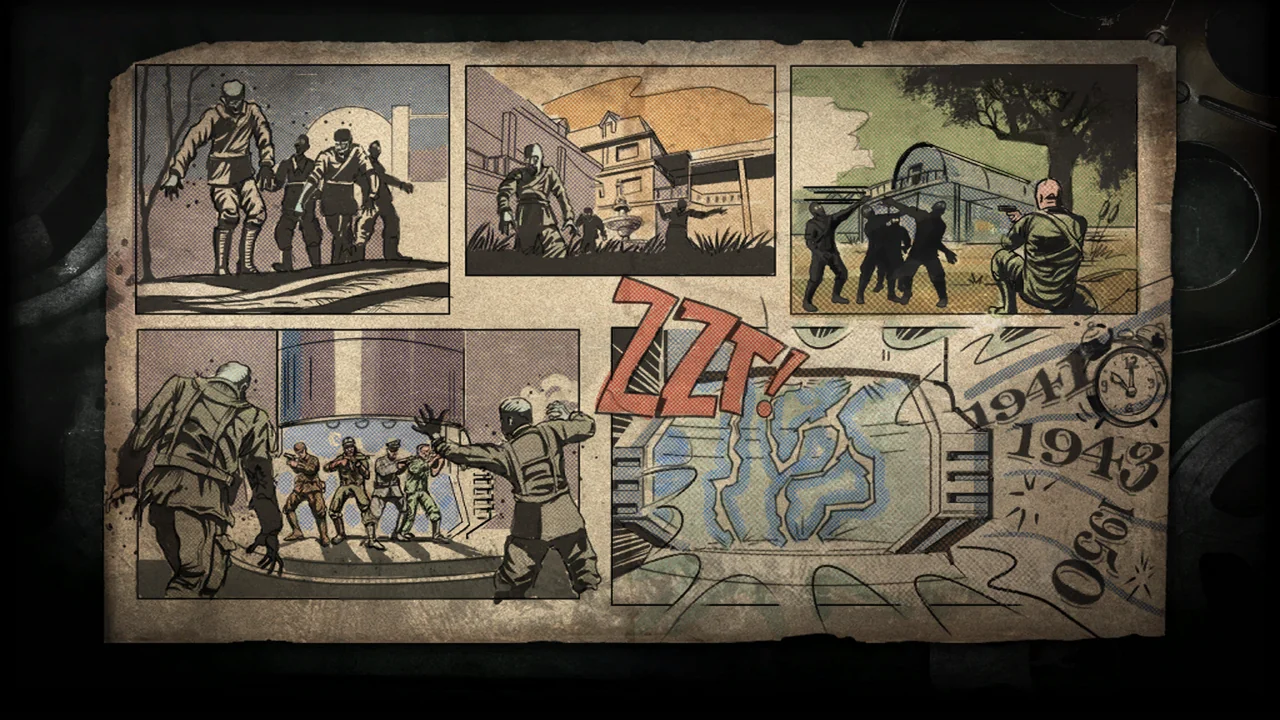 Kino der Toten Kino der Toten | Abandoned cinema | Listed in menu — play not verified |
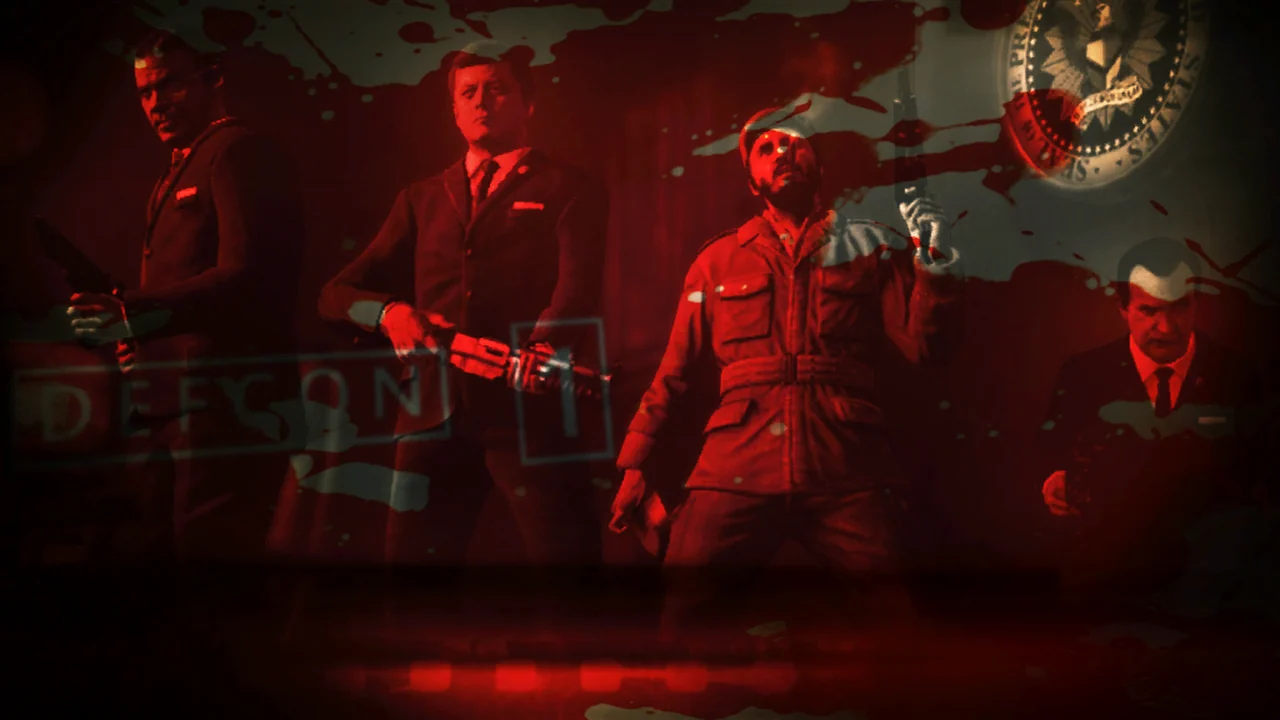 Five Five | The Pentagon | Listed in menu — play not verified |
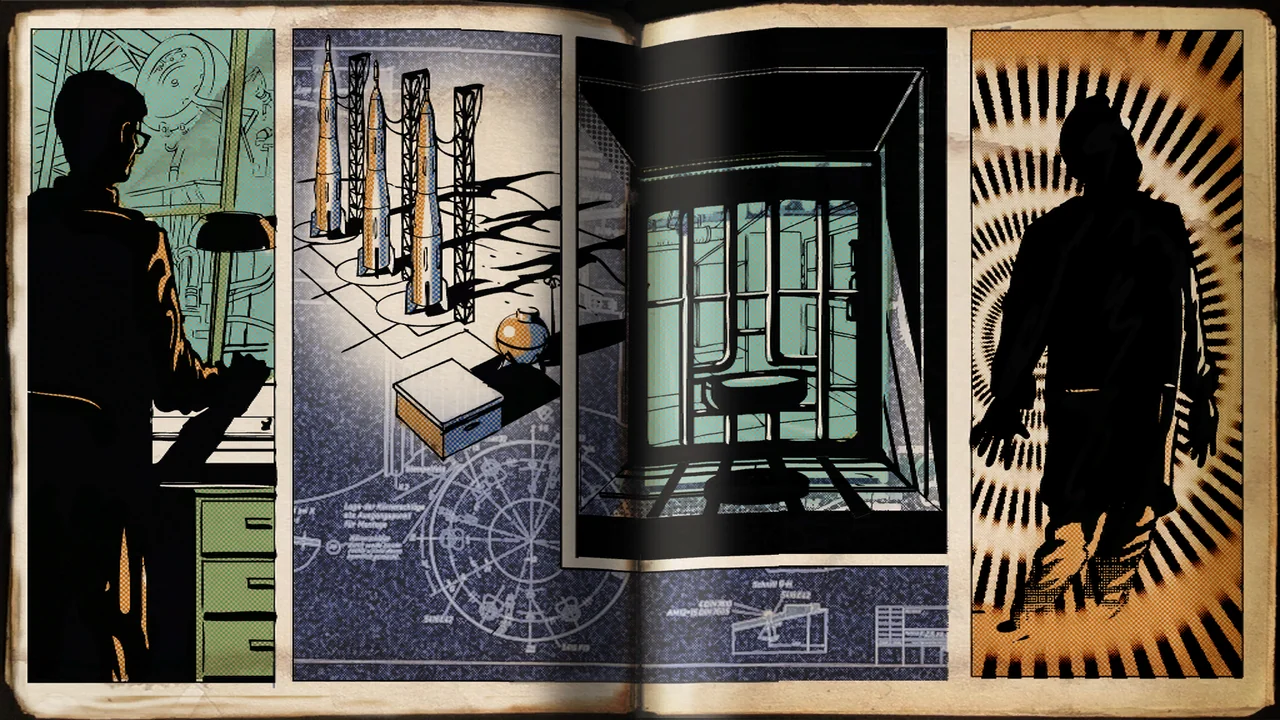 Ascension Ascension | Soviet cosmodrome | Listed in menu — play not verified |
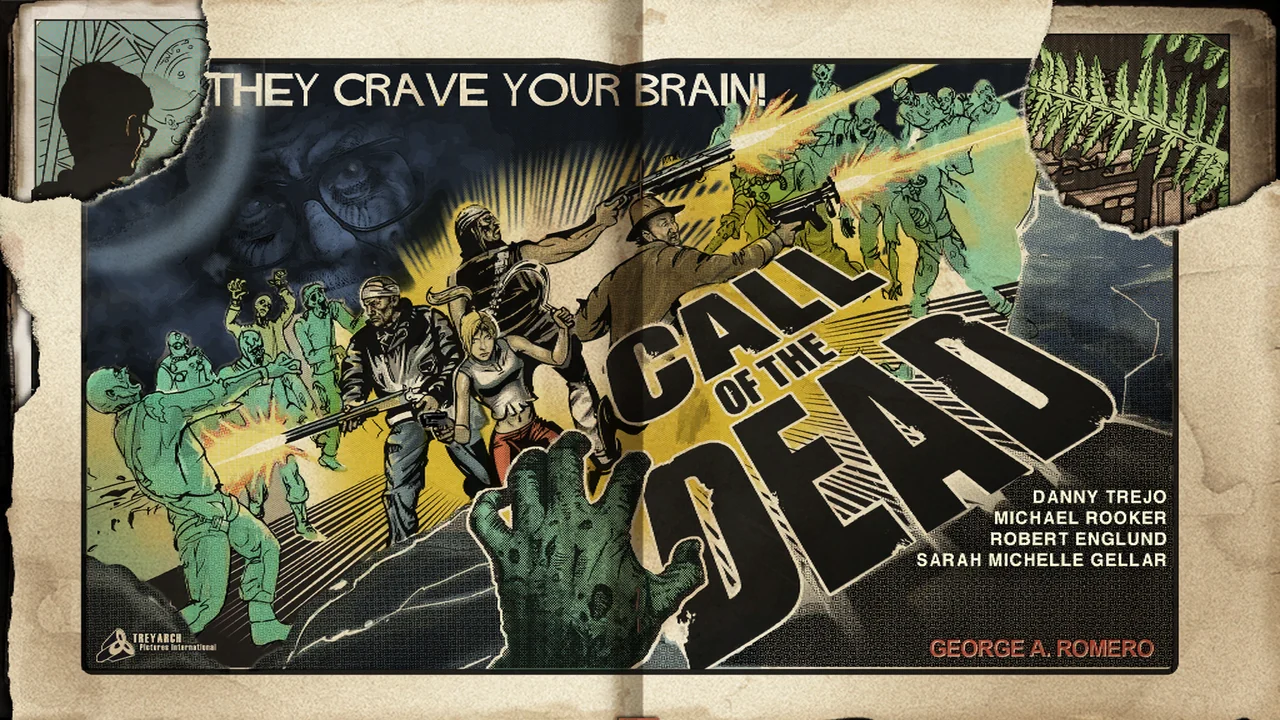 Call of the Dead Call of the Dead | Icy coastline | Listed in menu — play not verified |
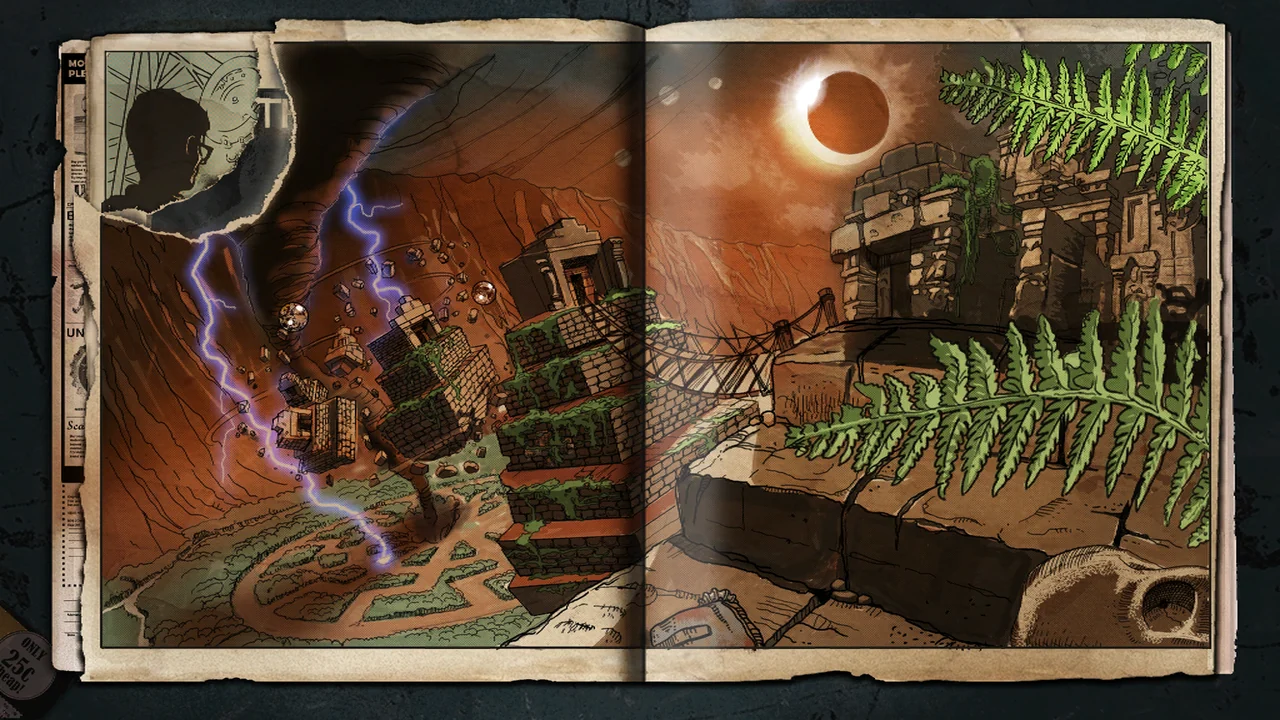 Shangri-La Shangri-La | Jungle temple | Listed in menu — play not verified |
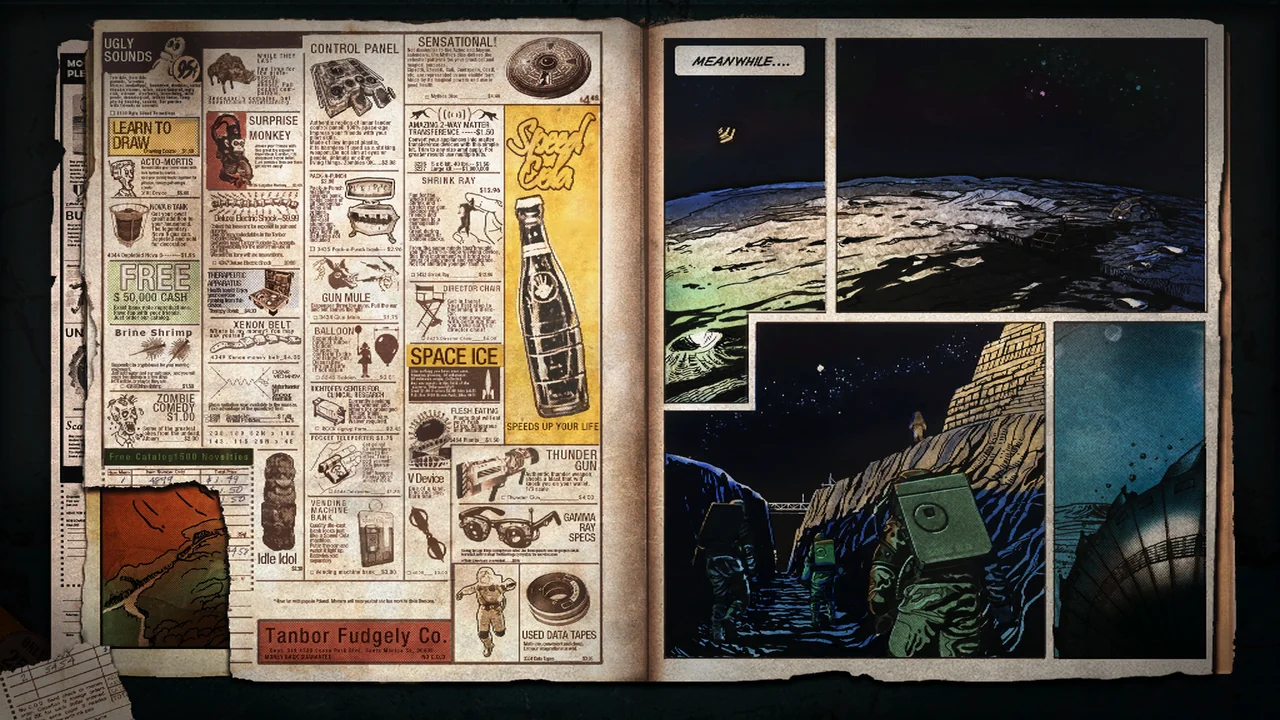 Moon Moon | Lunar base | Listed in menu — play not verified |
 Nacht der Untoten Nacht der Untoten | Abandoned airfield | Listed in menu — play not verified |
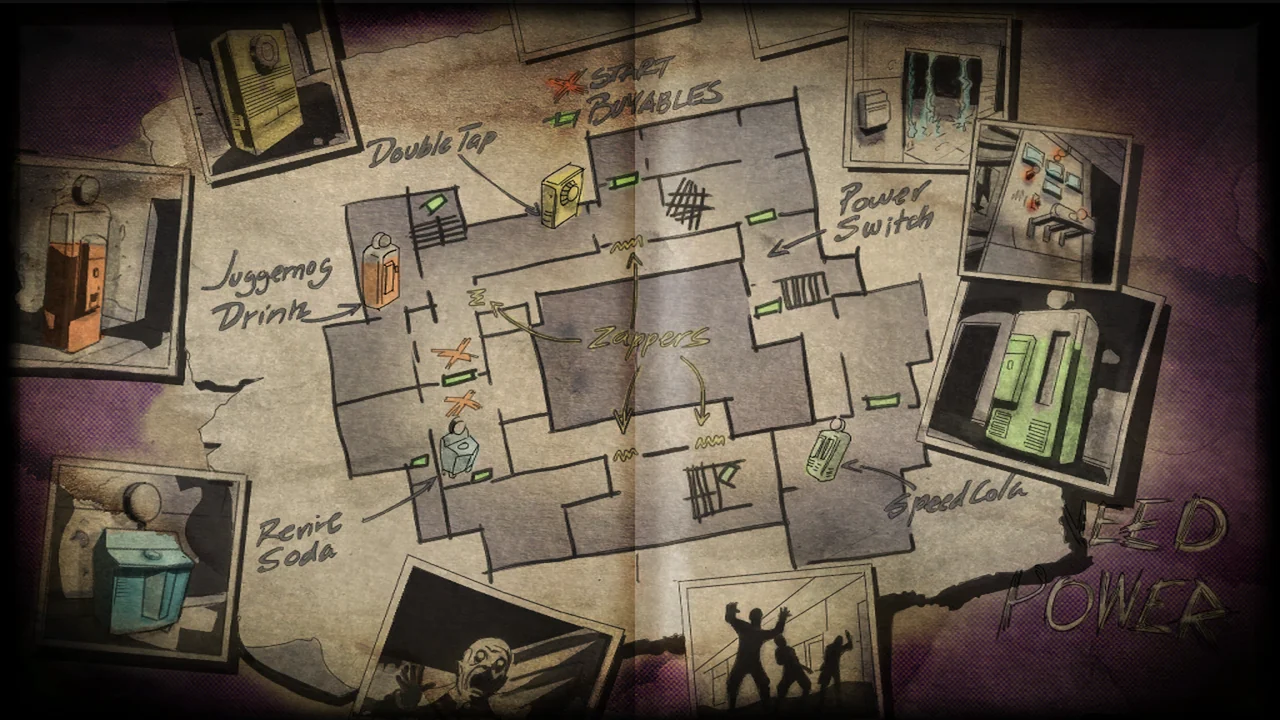 Verrückt Verrückt | Asylum | Listed in menu — play not verified |
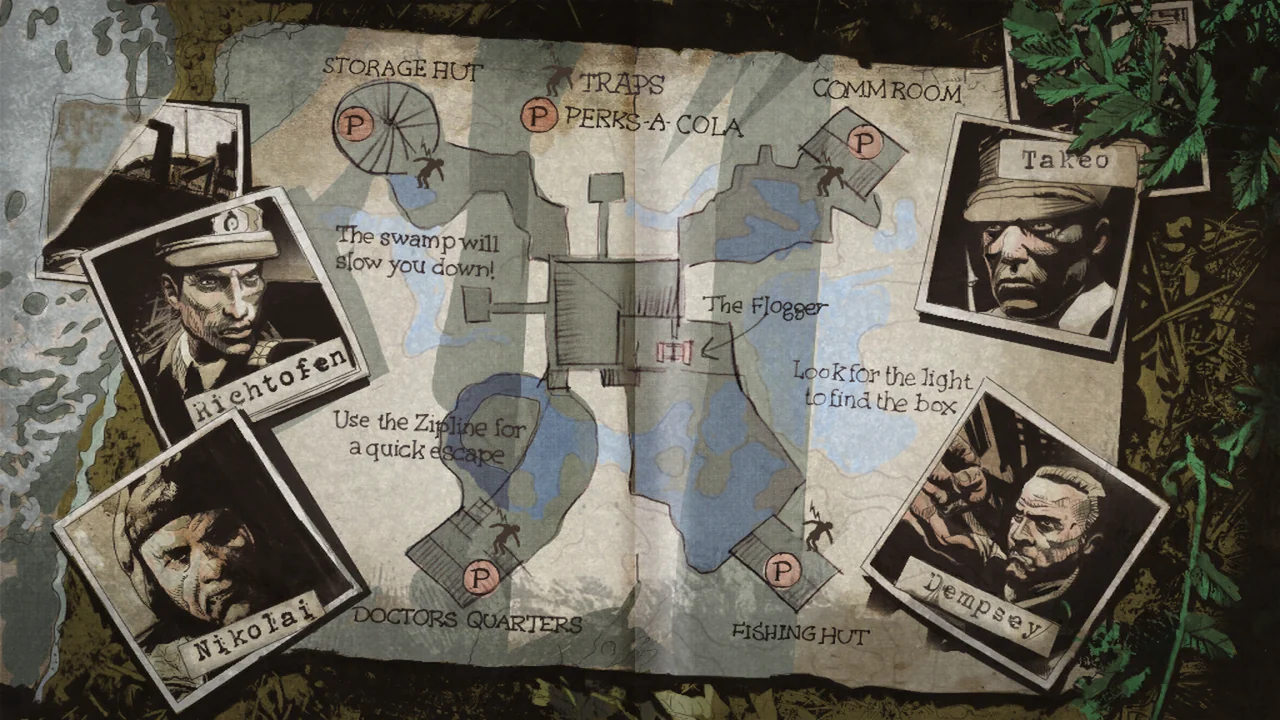 Shi No Numa Shi No Numa | Swamp | Listed in menu — play not verified |
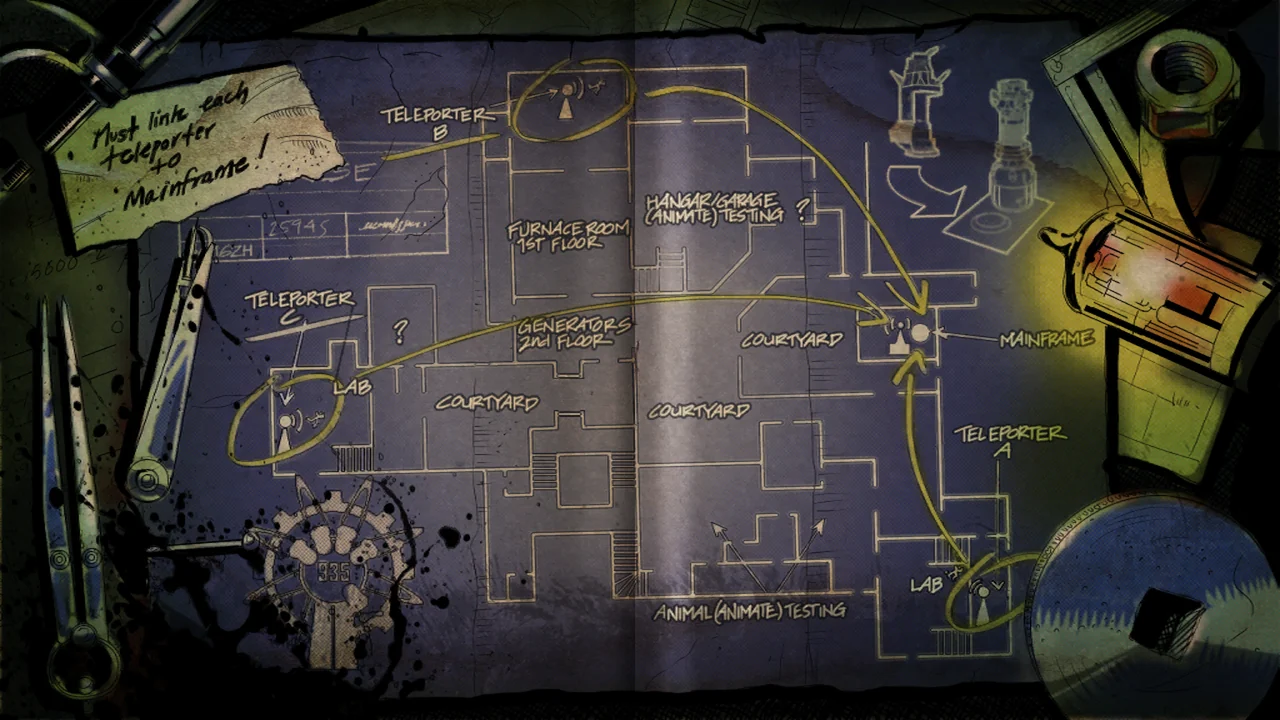 Der Riese Der Riese | Research factory | Listed in menu — play not verified |
Kino der Toten is the familiar introduction to moving through rooms and opening up space. Five puts pressure on navigating between connected areas. Moon changes the environment more dramatically. Treat a map's original features as a description of the original map, not as a promise about the browser build.
Compare all ten mapsBasic controls before your first round
Typical keyboard-and-mouse Zombies controls are WASD to move, mouse movement to look, left click to fire and R to reload. Sprint, melee, interact and the menu bindings are the ones most likely to differ between third-party copies, or to be configurable.
The controls panel above follows the documented baseline for this project. The bindings we could not confirm are listed in their own group instead of being folded into the defaults, so the confirmed list stays something you can rely on.
If the mouse does not turn your view, click inside the game area and check the pointer-lock permission. Escape releases the pointer where the build supports it. A large blank area or black textures is something to troubleshoot, not something a different keyboard shortcut fixes.
Why an embedded game may fail after showing its menu
Some browser engines need shared memory and cross-origin isolation to run. A game can show its opening menu inside another site's frame and still fail at the point where a map starts, which makes it look like the menu worked and everything after it broke.
If you see a shared-memory error, or the engine stops right after map selection, reloading the frame is unlikely to change the underlying restriction. Open the project at its own origin instead.
We do not present this frame as verified playable. Until a map start has been confirmed on the deployed player, the frame stays a convenience and the project's own origin stays the way in.
What does the browser port actually include?
Reports describe a solo Zombies experience with ten classic map entries. They do not establish that every Easter egg, save system, achievement, controller option or original multiplayer feature has been recreated.
Status on this site keeps those apart. A build is reported by third parties, verified by us, or not established at all, and only a completed in-game test earns the verified badge. No build described here has one yet.
Frequently asked questions
+Can I start BO1 Zombies directly here?
Only while the project's authors permit it to be framed and the player here starts a real map. Until a map start has been confirmed, the honest answer is that this page is a shortcut to the project, not a verified host for it.
+Why does it take time on the first visit?
A browser-based game may still download and prepare assets inside the tab. No installer is not the same as no data transfer, so wait while the progress indicator is still changing.
+Do all ten maps work?
A ten-map menu is widely reported, but that is not proof that every map, or every optional feature on it, has passed a current hands-on test.
+Is multiplayer or split-screen available?
The public BO1 browser project is reported as solo. Do not infer co-op support from the original commercial release or from another fan engine.
+Can I use a controller?
Treat controller support as unverified unless the build you opened has a tested input profile. The documented baseline for the best-known project is keyboard and mouse.
+What if the game opens but stays black?
Write down your browser, your GPU, the build URL and the exact error, then follow the Not Loading guide. If a session runs but is extremely slow, the Lag Fix guide is the one that matches.
Where to go next
- All 10 BO1 mapsThe classic map selection, and what each one is like to learn.
- Beginner's first roundGet from a browser tab to a playable round without wasting points.
- COD Zombies browser buildsCompare the ten-map port with the standalone Kino and Moon remakes.
- Not loading or stuckFind which stage of the launch failed before you change anything.
- Low FPS and lagImprove frame rate after the game has already started.