Skip to content
Black Ops Browser

How to Play Black Ops Zombies in a Browser — Beginner's First-Round Guide

You do not need to follow the whole Zombies storyline to begin. The basic idea of Black Ops Zombies is survival: enemies arrive in waves, you earn points by fighting, and you decide when to spend them on space, weapons or equipment. The browser version adds one extra first challenge: choosing the correct project and making sure it can actually start a game.

Quick answer

Open the BO1 project using its permitted access method, pick a familiar map such as Kino der Toten, let the first-load preparation finish, start the scene and test movement, aiming and interaction. In your first few rounds, prioritise staying mobile, leaving a clear escape route and spending points deliberately rather than opening every door at once.

Your first round in six steps

The whole route, compressed. Each step below this strip explains one of these lines in full.

  1. Choose the Zombies build

    A round-based survival project, not a deathmatch recreation.

    Open this step: Choose the Zombies build

  2. Select a map

    Pick one and stay on it while you learn its routes.

    Open this step: Select a map

  3. Load it and wait

    The first visit prepares map assets inside your tab.

    Open this step: Load it and wait

  4. Confirm your input works

    Move, look, fire, reload. Test before you commit.

  5. Survive the first wave

    Keep moving and keep one route open behind you.

  6. Spend points on purpose

    Solve the problem in front of you, not every door at once.

Start Beginner Checklist

From a browser tab to your first playable round

Six steps in the order they are worth doing. The first three get you into a game; the last three are what keeps the early rounds from ending early.

About the browser project

Step 1: Make sure you selected the right game

A search for a Black Ops browser game can lead you to a round-based Zombies project or to a Black Ops II-style deathmatch, and they play nothing alike. For this guide you want the round-based survival option. Use the project's own page to see which host it runs on and whether it is offered as a permitted in-page embed or has to be opened at its original source.

Getting this wrong is the most common reason the rest of the guide seems not to apply: the habits below assume rounds, points and a map you can walk around, none of which a deathmatch has.
Original-game knowledge

Step 2: Pick a map you can learn

Kino der Toten is a reasonable first suggestion: it has a familiar theatre progression and a lot of widely documented original-game strategy behind it. Nacht der Untoten is smaller but can feel restrictive once enemies arrive. Whichever you choose, stay on one map for several attempts. Changing environments every run makes it much harder to learn where enemies appear and what is worth buying early.

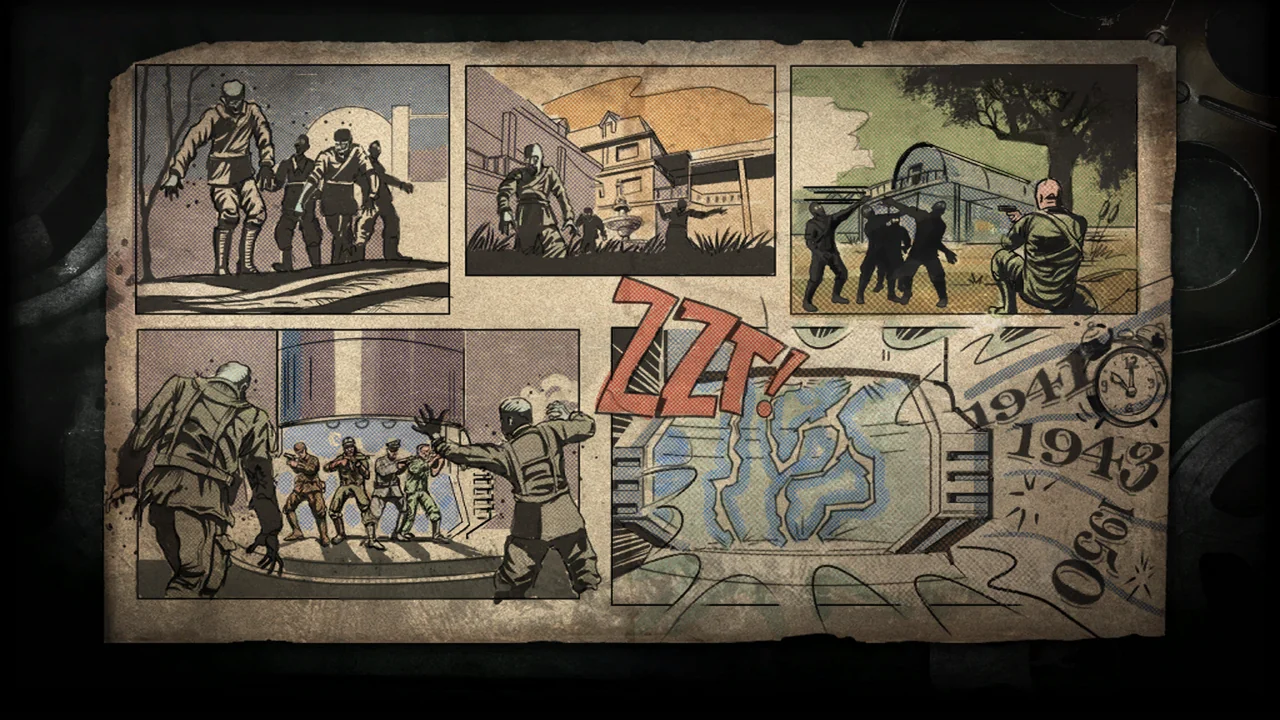
  • Loading screen artwork for Kino der Toten, from the original game. Not a capture from a browser build, and not evidence that any browser project runs this map.
  • Loading screen artwork for Nacht der Untoten, from the original game. Not a capture from a browser build, and not evidence that any browser project runs this map.

A map's original features are not proof that a browser port implements them. The map directory keeps the classic-map explanations and the build-specific test results apart on purpose.

Pick a beginner map

About the browser project

Step 3: Load the game and confirm controls

The first visit may download map resources inside your tab, so let a progress indicator change before assuming nothing is happening. When the game offers its start prompt, take it and check four things before you try to survive: that you can move, look around, fire and reload. If any of those do not respond, the round is not worth starting yet.

If clicking the frame never starts a map, that is a launch failure rather than a skill problem. If a map starts but the frame rate is too low to aim, the fix is performance rather than technique. Do not troubleshoot a phone as though it had the same input hardware as a desktop.

Fix launch problemsImprove FPS

The controls you need before your first round

Five actions, taken from the PC layout this project's guides carry. We have not pressed them on the build, so treat them as the layout to expect and confirm them in your first minute rather than assuming them.

KeyAction
W A S DMove your character
MouseLook around
Left ClickFire weapon
RReload
ShiftSprint

8 more bindings on the project page

Original-game knowledge

Step 4: Understand points and early-round choices

In the original Zombies formula, fighting earns points and those points fund every decision: a door can open a safer route, a wall weapon can make your shooting more consistent, and a perk can buy you a mistake. Your first priority is control of the space you already have. Buying too much too soon can leave you without the points you need for something more important two rounds later.

A habit worth forming immediately: watch where enemies come from and keep at least one route open behind you. Reloading in a corner is one of the most common ways a first run ends, and it is a positioning mistake rather than a shooting one.

Original-game knowledge

Step 5: Learn to move instead of standing still

As rounds intensify, holding one position makes it easier for enemies to close in from more than one direction. Practise moving through open space and turning only when you have a safe gap to turn in. The original Zombies community calls controlled movement around a group of enemies training, and the idea behind it is simple: you decide where the group goes, not the other way round.

Original-game knowledge

Step 6: Upgrade only when it changes your survival chances

Weapons, Mystery Box pulls, perk machines and Pack-a-Punch are central to the original map knowledge, and a first run is not the time to plan a strategy around them. Spend on an upgrade when it solves the problem you actually have — usually that you cannot kill what is in front of you, or that you keep dying to the same mistake.

A button prompt that looks like a perk machine is not evidence that every effect behind it has been implemented faithfully. Treat a familiar interface as a question about the build rather than an answer about it.

Steps marked as original-game knowledge describe the retail Zombies mode, which is settled and well documented. A third-party browser port may implement some of it, all of it or none of it, and nothing in this guide claims otherwise. Where a build-specific answer exists, it lives on the project's own page.

First-session checklist

Six things worth being sure of before you decide the game is broken or that you are bad at it.

0 of 6 done

Ticks last while this page is open and are not sent or stored anywhere. There is no account and nothing to sign up for.

What to do after your first five rounds

Review where you lost control, not how many rounds you reached. Was it a crowded doorway, a reload at the wrong moment, a route you had not learned yet, or simply running out of ammunition? Pick one of those and improve it on the next attempt. One decision per run is enough; changing everything at once tells you nothing about which change helped.

Once you can start a game consistently, the map directory's original-game explanations are the right place to go deeper on power, perks and upgrades. Check the specific build's own page as you go, because what the original game has and what a given port implements are still two different things.

Pick a beginner map

Frequently asked questions

+How do I start BO1 Zombies in a browser?

Choose the round-based BO1 Zombies project, select a map, allow its assets to prepare and follow the in-game start prompt. A specific host may have to be opened directly rather than inside a third-party frame.

+What is the best first map?

Kino der Toten is a familiar beginner recommendation. The best choice also depends on how well a map runs in the particular browser build you open.

+What keys do I use?

Movement, mouse look, left-click to fire and R to reload are the common PC conventions. Confirm the exact bindings — especially interact, melee, sprint and pause — in the project you are actually running.

+What should I buy first?

There is no universal purchase order that holds for every map. Prioritise staying alive, keeping a route open and buying whatever solves the problem in front of you.

+What happens when I die?

Zombies is built around repeated survival attempts, so dying early is normal. Restart behaviour, checkpoints and saved progress differ between builds and should be checked per project rather than assumed.

+Can I play with friends?

The most widely discussed BO1 browser port has been described as a solo experience. Do not assume co-op from the original game or from an unrelated experimental engine.

Where to go next